












One-Click Panic Button Alerts for Workplace Emergencies
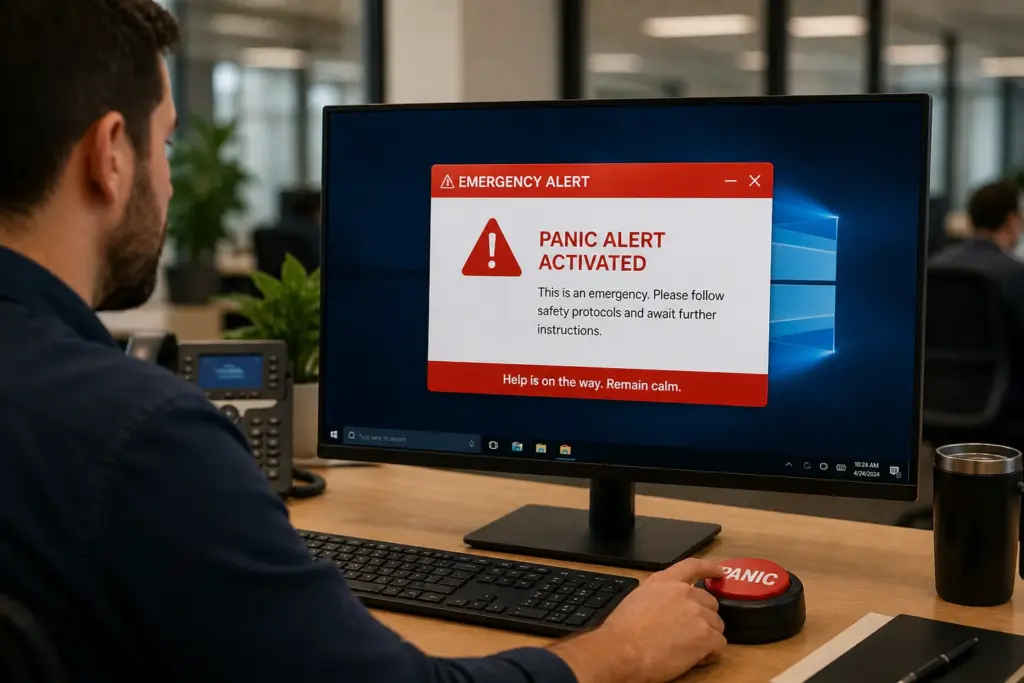
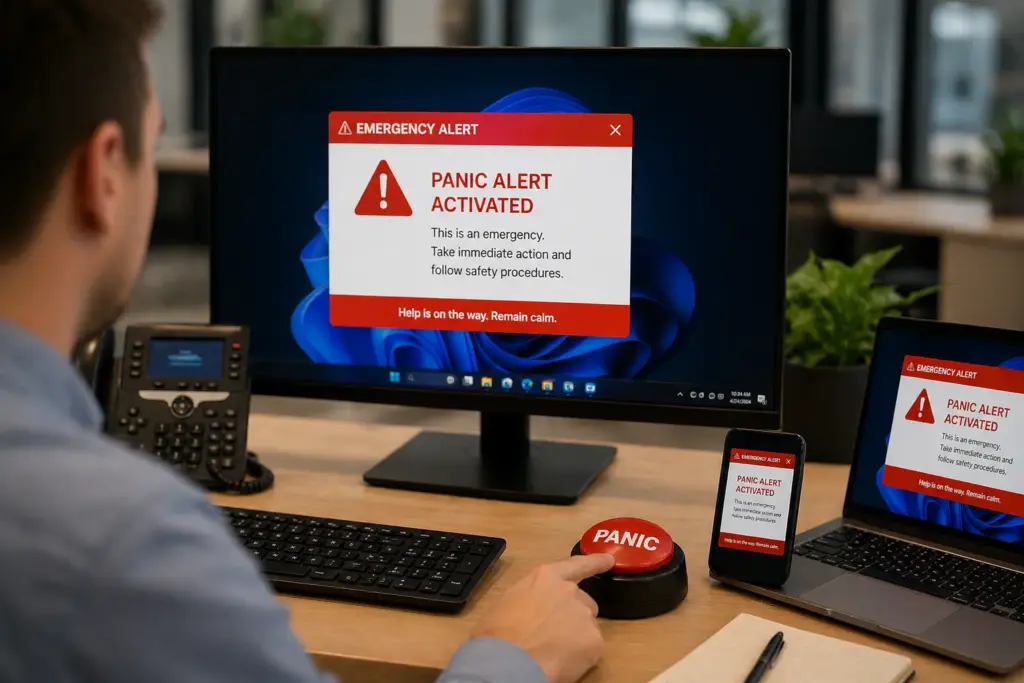
SendPopups gives your team a fast, reliable way to trigger emergency alerts from a panic button shortcut. Launch high-visibility messages across desktop, mobile, and other channels in seconds when urgent action is needed.
Use it for security threats, medical emergencies, facility incidents, evacuations, IT crises, and other time-sensitive internal events.
What Is the SendPopups Virtual Panic Button?
A virtual panic button is a preconfigured emergency shortcut that lets authorized users trigger instant alerts to the right employees and devices during critical situations.
It can live on desktops, laptops, or mobile workflows, helping organizations move faster when every second matters.
Trusted by Teams That Need Faster Emergency Communication


Act Fast with a Panic Button Alert System for Workplace Emergencies
Use pre-defined panic button shortcuts to send urgent internal alerts instantly to staff across desktops, laptops, mobile devices, and other communication channels.
Whether you are dealing with a fire, active threat, medical issue, evacuation, facility disruption, or security breach, SendPopups helps teams launch fast, visible messaging with fewer delays.
Prepare Panic Button Alerts in Advance to Save Time During Critical Events
- Pre-create alert templates for likely emergencies such as intruders, severe weather, medical issues, or facility incidents.
- Use color coding to separate alert levels and make publishing faster during high-pressure moments.
- Add titles, short instructions, evacuation maps, links, or supporting media to guide employees immediately.
- Choose the right audience so only affected teams, floors, buildings, or locations receive the alert.
Choose the Panic Button Setup That Fits Your Organization
Desktop Shortcut Panic Buttons
Set up a panic button shortcut as an icon on a desktop for quick access to a predefined emergency workflow.
- Easy for users to click directly from the home screen
- Familiar shortcut behavior keeps training simple
- Useful for local, desktop-based emergency workflows
- Best for simple desktop-only deployments
Integrated Panic Buttons Across Desktop and Mobile
Pre-created emergency buttons can appear inside the client app or tray menu, giving teams a more flexible and scalable option.
- Add or update buttons centrally from the admin console
- Push changes instantly to connected clients and users
- Manage which users and devices receive each button
- Better for scalable cross-device emergency response
SendPopups Panic Button Features
Priority Delivery
Emergency messages appear prominently, even when users are busy or away from their inbox.
Full-Screen Takeover
Use urgent alerts that take over the screen when immediate attention is required.
Targeting
Send alerts to the entire workplace or selected teams, sites, departments, or demographics.
Color Codes
Use visual severity indicators so employees instantly understand the type of incident.
Extended Statistics
Track reads, reactions, acknowledgements, and campaign results in real time.
Role-Based Access
Different employees can receive different content based on their role or permissions.
Scheduling and Recurrence
Prepare timed drills, reminders, and recurring communications in advance.
Acknowledgement
Require users to confirm they read and understood the emergency message.
Benefits of Using a Virtual Panic Button for Business
- Act faster during emergencies and reduce delay in internal communication.
- Increase the chance that the right people see the alert immediately.
- Control who receives what message during different kinds of incidents.
- Support accountability with acknowledgement and reporting.
Frequently Asked Questions
A virtual panic button is a digital emergency trigger that lets authorized users send predefined alerts to employees and devices during critical situations.
Usually emergency coordinators, managers, security teams, HR, operations, or designated responders should have access based on your internal process.
Yes. This page is structured around targeted delivery by location, team, site, department, or other audience groups.
Yes. SendPopups can be positioned to support acknowledgement-based workflows so teams can track who saw and confirmed the message.
Security threats, medical emergencies, evacuations, severe weather, IT incidents, facility issues, and other urgent workplace events.
Need a Faster Way to Launch Emergency Alerts?
Use SendPopups panic button workflows to trigger immediate, targeted, high-visibility communication during critical events.
Trusted by Teams That Need Instant Alerts

IT Operations Team, SAIC
SendPopups has transformed how we communicate urgent updates across our teams. Critical alerts now reach everyone instantly, helping us respond faster during time-sensitive situations.

Communications Division, New York State Police
In emergency environments, speed and visibility are essential. SendPopups allows us to deliver immediate on-screen alerts that ensure important information reaches personnel without delay.

Campus IT Services, Vanderbilt University
SendPopups makes campus-wide communication simple and effective. Important announcements and safety alerts appear instantly across devices, ensuring students and staff stay informed.

Technology Operations, FOX
SendPopups helps us distribute urgent updates quickly across our organization. The ability to push instant popup notifications ensures critical messages are never missed.