











We’d love your feedback! Only 3 short questions and 5 min of your time. Take the short survey →

Corporate Desktop Wallpaper for Visible Internal Communication

Turn everyday desktop backgrounds into a subtle but effective communication channel with SendPopups corporate wallpaper. Promote company values, upcoming events, compliance reminders, IT notices, safety messages, and internal campaigns without interrupting work.

Wallpaper-based communication keeps important messages visible at the start and end of the workday while preserving a clean employee experience.

What Is Corporate Wallpaper?

Corporate wallpaper is the image displayed on the background of employee desktops. With SendPopups, it becomes a subtle internal communication surface for messaging that employees naturally see when they begin or end their workday.

Trusted by Teams That Need Better Message Visibility

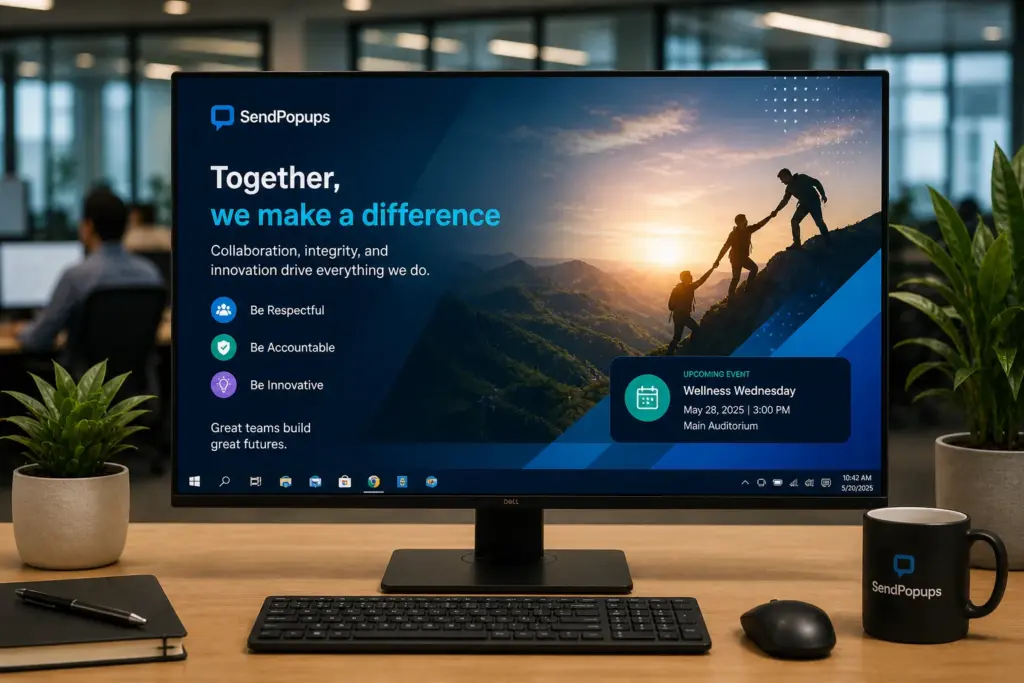
Set the Corporate Background of Employees’ PCs

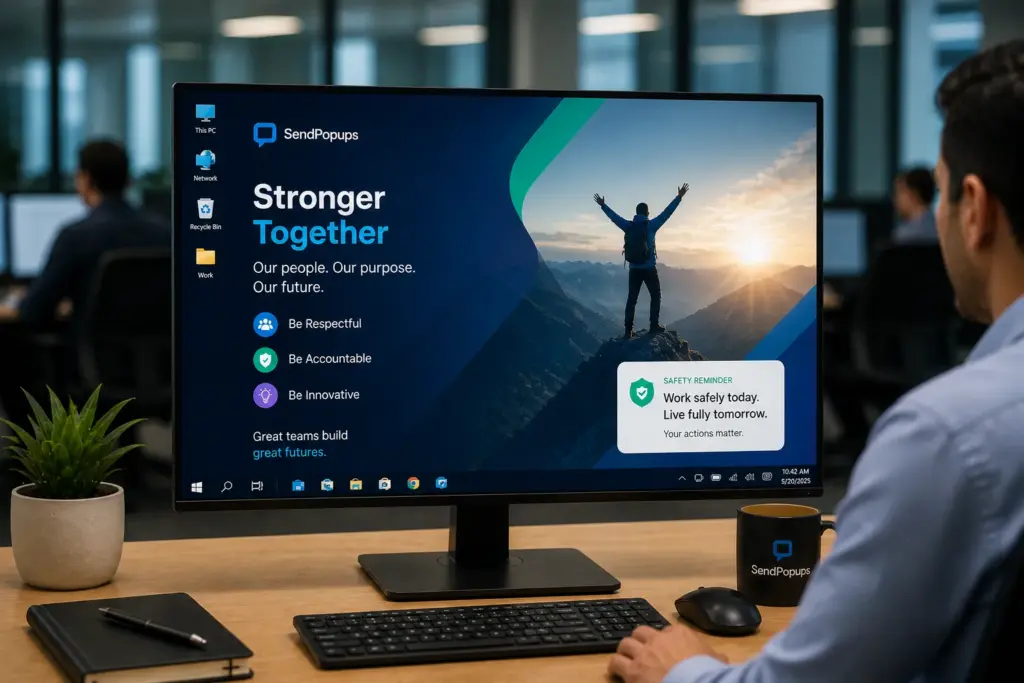
Turn the default wallpaper on employee workstations into a branded internal communication channel. SendPopups can be positioned to deliver desktop backgrounds that reinforce campaigns, reminders, and company-wide messaging without disrupting daily work.

Because wallpaper only sits behind applications, it stays unobtrusive while still remaining visible at the right moments.

Target, Customize, and Control Your Corporate Wallpaper

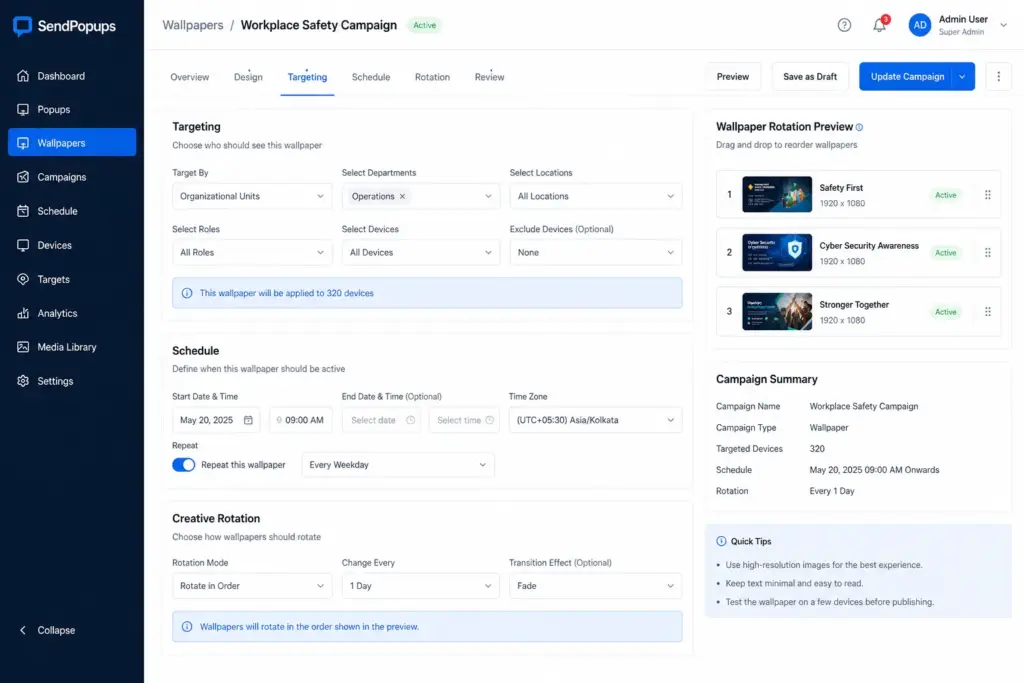
Send custom wallpapers to specific departments, individual users, selected groups, or your entire organization. Rotate different campaigns during set timeframes and schedule them for future dates without heavy IT involvement.

Reinforce Corporate Messages

Wallpaper-based messaging helps employees see key messages at natural moments in the day. Use it to reinforce company values, goals, upcoming events, corporate news, internal awareness campaigns, or behavior reminders.

The visual nature of desktop wallpaper makes messages easier to remember while avoiding information overload.

How to Use Corporate Wallpaper to Lighten Up Internal Communications

Use wallpaper to make messages visible yet unobtrusive and explain important ideas with strong visuals.

HR Communications

Motivation and Culture

IT Communications

Emergency Communications

Corporate Wallpaper Features

Rich Content

Use images, clickable elements, slide-style content, video-inspired creatives, or HTML-like layouts with strong visual quality.

Targeting

Send different wallpaper campaigns to different departments, users, and audience combinations.

Scheduling

Time delivery and availability to match events, campaigns, deadlines, or communication strategies.

Priority Control

Keep the selected corporate wallpaper in place even if users try to change it.

PowerPoint Support

Repurpose slide-based materials for business plans, strategies, rules, regulations, and internal education.

Sequencing

Change the order of wallpaper galleries and rotate campaigns over time.

Benefits of Wallpaper for Internal Communications

Explore More Tools for Internal Communications

Pop-up Alerts

Highly visible on-screen alerts when you need employees to stop and pay attention immediately.

Video Alerts

Use richer media-based messages on employee screens.

Corporate Screensavers

Set full-screen visuals on idle PCs and update them centrally.

Mobile App

Keep employees informed even when they are away from their desks.

Frequently Asked Questions

Organizations often use corporate wallpaper to reinforce branding, create consistency, support culture, remind employees of policies, and reduce the chance of inappropriate or unmanaged desktop images.

Common options include inspirational messages, visually clean designs, role-specific reminders, cultural themes, and campaign-based backgrounds that support focus without clutter.

A clean file structure, fewer unnecessary desktop items, and consistent company-managed backgrounds all help keep desktops more organized and professional.

Need a More Subtle Way to Reinforce Internal Messages?

Use SendPopups corporate wallpaper to turn every employee desktop into a lightweight internal communication channel for culture, compliance, IT, and awareness campaigns.

Trusted by Teams That Need Instant Alerts

IT Operations Team, SAIC

SendPopups has transformed how we communicate urgent updates across our teams. Critical alerts now reach everyone instantly, helping us respond faster during time-sensitive situations.

Communications Division, New York State Police

In emergency environments, speed and visibility are essential. SendPopups allows us to deliver immediate on-screen alerts that ensure important information reaches personnel without delay.

Campus IT Services, Vanderbilt University

SendPopups makes campus-wide communication simple and effective. Important announcements and safety alerts appear instantly across devices, ensuring students and staff stay informed.

Technology Operations, FOX

SendPopups helps us distribute urgent updates quickly across our organization. The ability to push instant popup notifications ensures critical messages are never missed.