










We’d love your feedback! Only 3 short questions and 5 min of your time. Take the short survey →

Cut Through Email Overload With More Visible Internal Communication

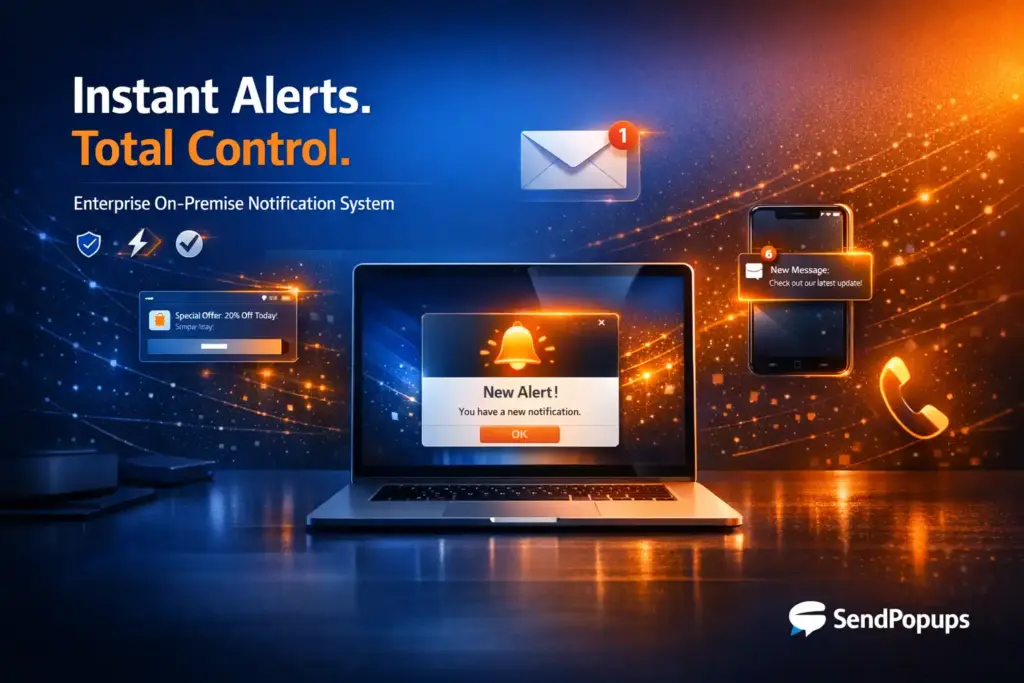
When inboxes are crowded, important updates get buried. SendPopups helps organizations bypass email overload and deliver urgent or high-priority messages through desktop alerts, mobile notifications, email, SMS, and shared screens so the right people actually see them.

Best-fit teams: internal communications, HR, IT, operations, compliance, safety, and leadership.

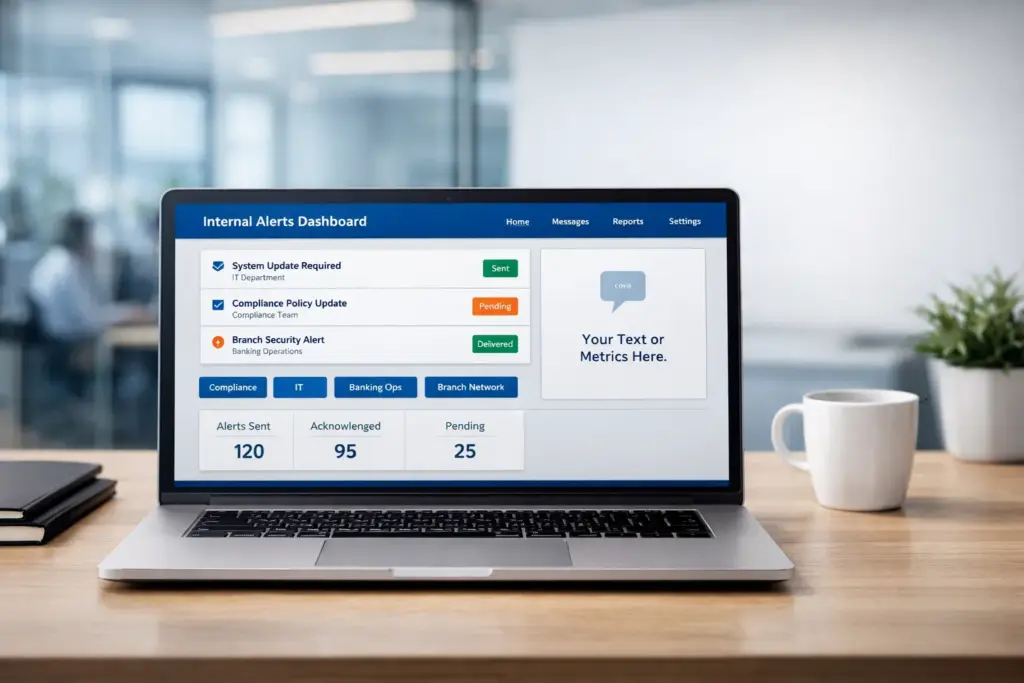
Replace with SendPopups dashboard, popup alert, or inbox overload visual

Trusted by Organizations That Need Critical Messages Seen

Corporate Communications Have Become Cluttered

Employees receive information from more channels than ever before. That constant stream of messages creates digital clutter, making it harder for organizations to get urgent, important, or action-oriented communication noticed.

When teams rely only on email, important messages can be buried under routine updates, newsletters, threads, and automated notifications. SendPopups helps you cut through that noise with higher-visibility communication.

Suggested visual

Use an inbox overload graphic, desktop popup screenshot, or cross-channel communication visual here.

Managing Email Overload in Today’s Workplace

Message overload happens when employees are hit with more email than they can realistically read and process. Inboxes fill quickly, priorities get blurred, and critical communication may be missed entirely. A better strategy is to reserve email for lower-priority messages and use higher-visibility channels for communication that must be seen.

How SendPopups Helps Reduce Email Overload

SendPopups helps you bypass crowded inboxes and deliver important updates directly to employees’ devices through more noticeable, targeted digital channels.

Schedule in Advance

Prepare notifications ahead of time and issue them at the exact dates and times when they will have the most impact.

Acknowledgement

Know whether recipients have seen the message so you can follow up when confirmation matters.

Intranet Information

Use messages to direct employees to important information, resources, or updates on the company intranet.

Reminders

Send reminder notices about deadlines, upcoming events, policy updates, or other information that employees need to remember.

Targeting

Send to all employees or to specific defined audiences based on site, role, department, team, or other criteria.

Emergency Alerts

Keep employees safe and informed by sending urgent alerts directly to their screens when every second matters.

What This Helps You Achieve

Higher Message Visibility

Important communication is more likely to be seen when it appears outside the inbox.

Less Inbox Dependence

Reduce overuse of email for time-sensitive or high-priority internal communication.

Faster Action

Employees can respond more quickly when updates are visible and clearly targeted.

Better Accountability

Acknowledgements and reporting make it easier to confirm delivery and follow up.

We needed a better way to make sure important messages did not disappear inside overloaded inboxes. Visible communication made a real difference.
Communications Lead
Enterprise Organization
Targeted alerts helped us reduce noise while still making sure the right people saw the right message at the right time.
IT Director
Multi-site Company
This approach is far more effective for urgent internal communication than relying on email alone.
Operations Manager
Large Workforce

Move Critical Communication Beyond the Inbox

Use SendPopups to reduce email overload, increase visibility, and make sure important internal messages are actually seen.