

We’d love your feedback! Only 3 short questions and 5 min of your time. Take the short survey →

How SendPopups Works — From Setup to Instant Alerts in Minutes

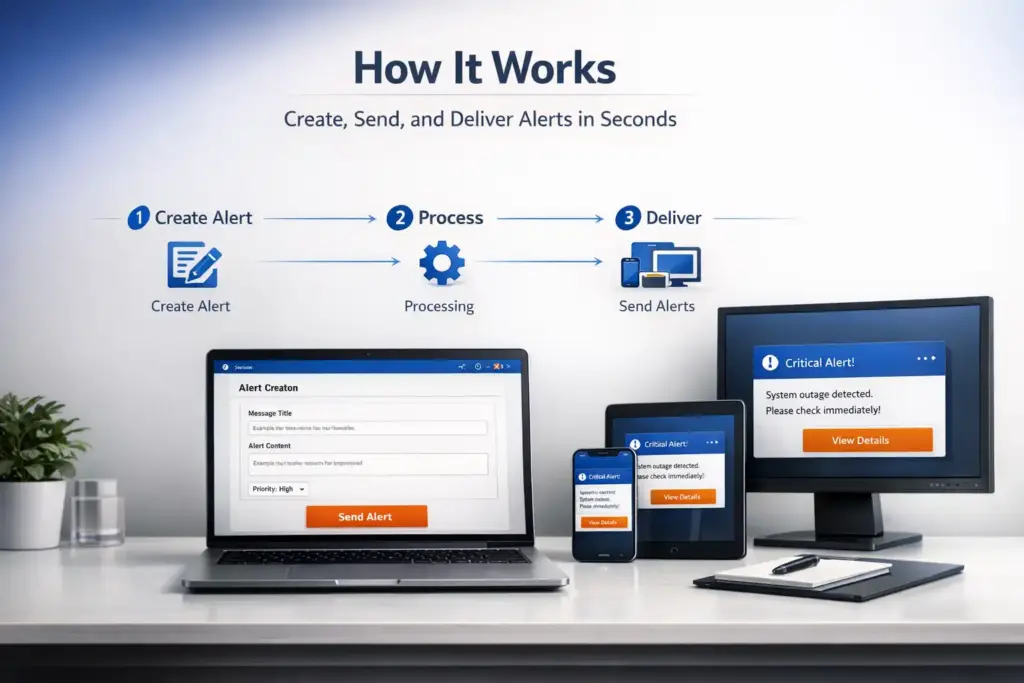
SendPopups is designed for speed, simplicity, and reliability. Deploy the platform on your network in under an hour, connect it seamlessly with your existing infrastructure, and start sending high-visibility alerts instantly. From triggering a message to delivering it across desktops, email, and mobile—everything happens in real time, ensuring your communication is seen, understood, and acted on without delay.

A Simple 4-Step Workflow

SendPopups is built to move from setup to real-time communication in a few clear steps—no complexity, no delays.

1. Deploy on Your Network

Install SendPopups on your private server environment using IIS and SQL.
Client applications are quickly distributed across all machines via SCCM or manual deployment.

2. Connect & Configure

Integrate with Active Directory for user access and Single Sign-On.
Set up your security preferences, user groups, and communication channels in minutes.

3. Create & Trigger Alerts

Use the intuitive admin dashboard to compose messages, select target users or groups, and send alerts instantly or schedule them in advance.

4. Deliver Across All Channels

Messages are delivered in real time via:

  • Desktop popups (primary, high-visibility)

  • Email notifications

  • Landline alerts (for critical cases)

  • Mobile messages

What Happens Next

Users receive alerts immediately—no refresh, no delay, no missed messages—ensuring fast awareness and quick action across your organization.

Everything You Need for Reliable, High-Impact Communication

SendPopups combines powerful functionality with simplicity—giving your team full control over how alerts are created, delivered, and managed.

Advanced Targeting & Segmentation

Send messages to specific users, departments, or the entire organization. Leverage Active Directory groups to ensure alerts reach exactly who they need to—no noise, no overload.

Customizable Alert Experience

Design alerts that match your urgency and purpose:

  • Full-screen or banner popups
  • Priority levels (info, warning, critical)
  • Scheduled or recurring notifications

Real-Time Delivery Engine

Built for speed, SendPopups ensures messages are delivered instantly across your network with near-zero latency, even at scale.

Centralized Admin Dashboard

Control everything from a single interface:

  • Create and manage alerts
  • Monitor delivery status
  • Manage users and permissions

Enterprise-Grade Security Controls

Maintain full control with:

  • Role-based access permissions
  • SSL-secured communication
  • Active Directory & SSO authentication

Audit Logs & Reporting

Track every message sent with detailed logs and reporting—ensuring accountability, compliance, and visibility into communication performance.

Why Organizations choose SendPopups?

IT Operations Team, SAIC

SendPopups has transformed how we communicate urgent updates across our teams. Critical alerts now reach everyone instantly, helping us respond faster during time-sensitive situations.

Communications Division, New York State Police

In emergency environments, speed and visibility are essential. SendPopups allows us to deliver immediate on-screen alerts that ensure important information reaches personnel without delay.

Campus IT Services, Vanderbilt University

SendPopups makes campus-wide communication simple and effective. Important announcements and safety alerts appear instantly across devices, ensuring students and staff stay informed.

Technology Operations, FOX

SendPopups helps us distribute urgent updates quickly across our organization. The ability to push instant popup notifications ensures critical messages are never missed.


Trusted by Organizations Worldwide