












We’d love your feedback! Only 3 short questions and 5 min of your time. Take the short survey →

Emergency Notifications

Emergency notification system

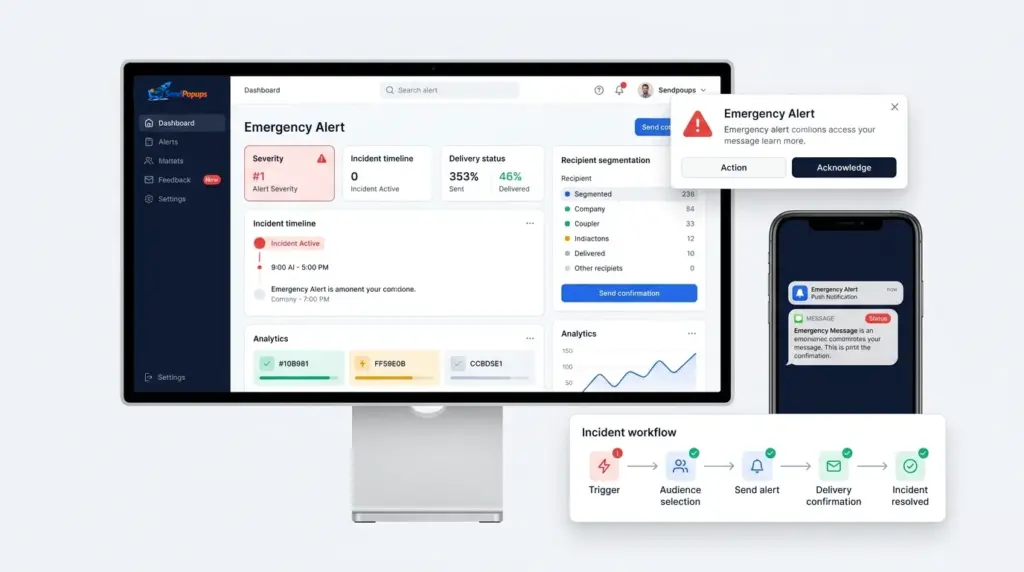
Use SendPopups as a fast, high-visibility emergency communication platform for urgent alerts, crisis response, safety instructions, and post-incident updates across desktop, mobile, SMS, and shared screens.

  • Alert employees before, during, and after a crisis
  • Reach office, frontline, field, and remote teams quickly
  • Support acknowledgment, targeting, and response visibility

Trusted by Organizations Worldwide

Why emergency notifications matter

Why high-visibility emergency communication matters

Email and chat are easy to miss in a crisis. The urgent communication needs to appear on the channels employees are most likely to notice immediately.

Cut through overloaded channels

Critical messages should not compete with routine inbox traffic. SendPopups delivers urgent alerts on-screen and on mobile so the message is hard to ignore.

Protect people and operations

Use SendPopups to connect faster alert delivery with clearer action, lower confusion, and reduced operational disruption during incidents, outages, severe weather, or safety events.

Crisis communication workflow

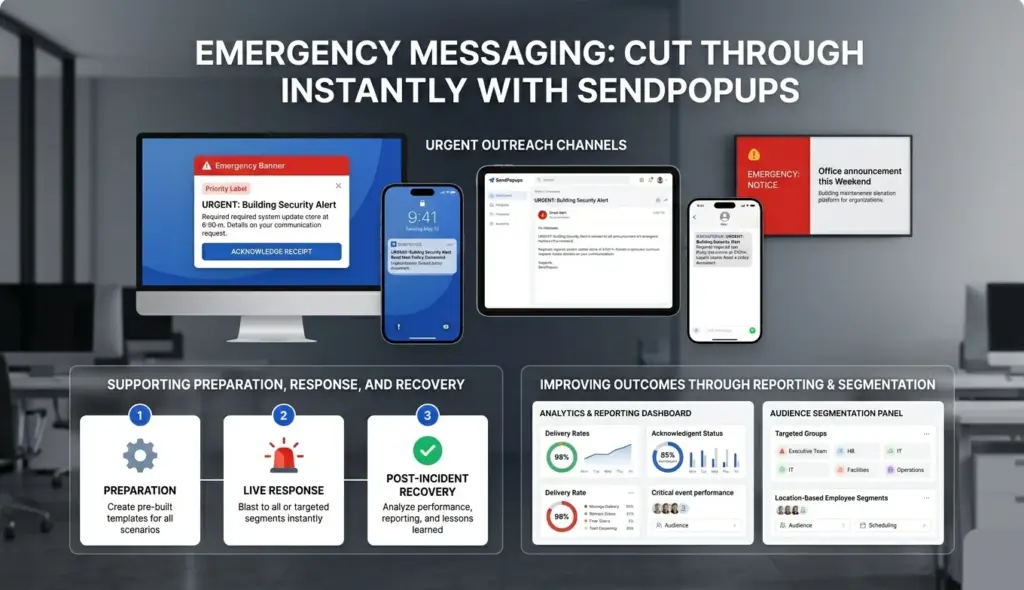
How SendPopups can support emergency response before, during, and after a crisis

Prepare in advance

Create templates for likely scenarios, define audiences, and pre-stage approval paths so alerts can be sent faster when time matters.

  • Scenario templates
  • Predefined audiences
  • Saved workflows

Train employees

Use reminders, training notices, surveys, or quizzes to reinforce procedures before an incident happens and improve preparedness across teams.

  • Training invites
  • Knowledge checks
  • Readiness reminders

Send alerts instantly

Show how teams can push urgent alerts within seconds across multiple channels, including full-screen or lock-screen style delivery where appropriate.

  • Desktop popups
  • Mobile push
  • SMS and signage

Get feedback fast

Use acknowledgment and response options to confirm who saw the message, who still needs help, and where follow-up is required.

  • Acknowledgments
  • Safety checks
  • Response tracking

Keep staff informed

Continue communicating during and after the event with status updates, leadership messages, operational notices, and next-step instructions.

  • Ongoing updates
  • Clear instructions
  • Recovery communication

Measure and segment

Review message performance and use response data to tailor follow-up communication for specific sites, teams, or impacted groups.

  • Delivery insights
  • Audience segmentation
  • Post-event reporting
See it in action

Show how SendPopups performs when speed matters most

Multi-channel delivery

Use multiple channels to improve emergency message visibility

Computers

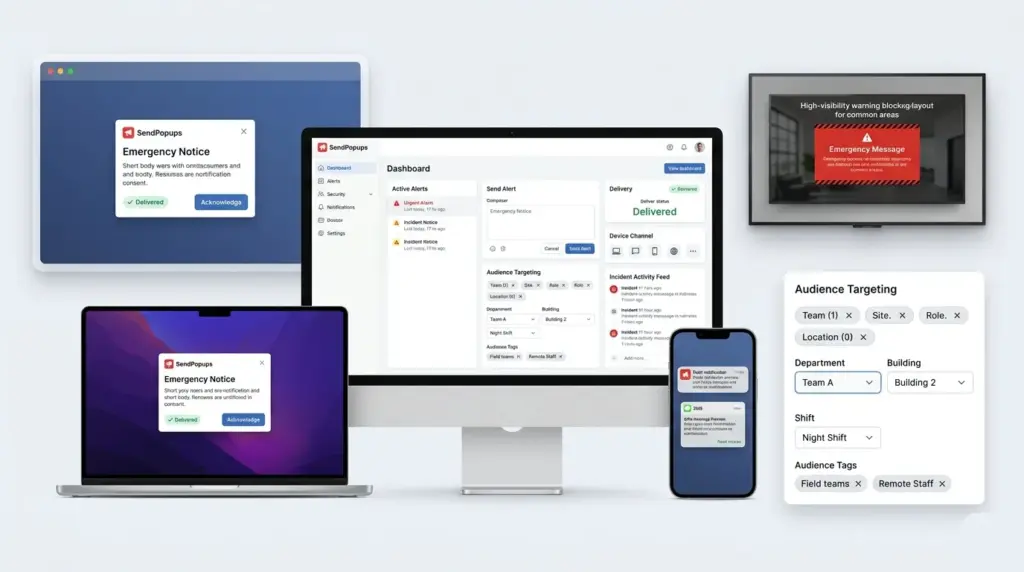
Use desktop popups, tickers, wallpapers, screensavers, or lock-screen style delivery for urgent alerts that must be seen on employee workstations.

  • Desktop alerts
  • Scrolling tickers
  • Lock-screen visibility

Mobiles

Reach employees wherever they are with push notifications and SMS for urgent notices when workers are away from desks, in the field, or moving between sites.

  • Mobile app alerts
  • SMS delivery
  • Remote-team reach

Digital signage

Display alerts in shared spaces so information reaches employees who are not actively using a computer or phone at that moment.

  • Shared screens
  • Break rooms and entry points
  • Site-wide visibility
Instant activation

Panic-button style workflows for rapid mass alerts

Pre-configured workflows help teams publish critical alerts with fewer steps during high-pressure situations.

  • Launch pre-defined emergency notifications quickly
  • Trigger different alert formats from one workflow
  • Route messages to the right audience without rebuilding each alert
  • Support fires, severe weather, incidents, outages, and facility emergencies
  • Adapt workflows to buildings, sites, regions, or departments
Core capabilities

Feature highlights for an emergency communication page

Urgent alerts

Make emergency messages appear prominently when the message cannot wait.

Reading acknowledgment

Capture confirmation that recipients saw important instructions.

Message statistics

Review delivery and engagement data after the event.

Auto-closing or expiring alerts

Control how long messages stay visible and reduce stale notices.

Recurring reminders

Repeat important safety reminders or training notices on a schedule.

Segmentation and targeting

Send the right information to the right locations, roles, or affected teams.

Trusted by Teams That Need Instant Alerts

IT Operations Team, SAIC

SendPopups has transformed how we communicate urgent updates across our teams. Critical alerts now reach everyone instantly, helping us respond faster during time-sensitive situations.

Communications Division, New York State Police

In emergency environments, speed and visibility are essential. SendPopups allows us to deliver immediate on-screen alerts that ensure important information reaches personnel without delay.

Campus IT Services, Vanderbilt University

SendPopups makes campus-wide communication simple and effective. Important announcements and safety alerts appear instantly across devices, ensuring students and staff stay informed.

Technology Operations, FOX

SendPopups helps us distribute urgent updates quickly across our organization. The ability to push instant popup notifications ensures critical messages are never missed.

FAQ

Frequently asked questions

What is an emergency notification system for business?

It is a structured way to send urgent alerts, instructions, and follow-up communication quickly across the channels employees are most likely to notice during a crisis or operational disruption.

Is it only for emergencies?

No. The same platform can also support high-priority operational notices, maintenance alerts, severe weather updates, safety reminders, and other urgent internal communication.

Why not rely only on email or chat?

Those channels are useful, but in a true emergency they can be missed, delayed, or buried under routine traffic. Dedicated alert delivery makes urgent communication more visible.

Ready to launch

Turn this into a SendPopups emergency-notifications page